Remote Desktop Client that just works!
A fast, no-nonsense remote desktop client for Android phones and tablets. Connect to Windows over RDP, and to Mac and Linux over VNC.
Try Remoter Anywhere free for one month. Subscribe in the app; the first month is free if you haven’t had it before.
Built on FreeRDP 3 with TLS and Network Level Authentication.
Connects to macOS Screen Sharing with your Mac account, and to VNC servers such as TightVNC on Windows Home and TigerVNC or x11vnc on Linux, including over TLS.
Reach your Windows PCs from any network with Remoter Anywhere: no ports to open, no VPN.
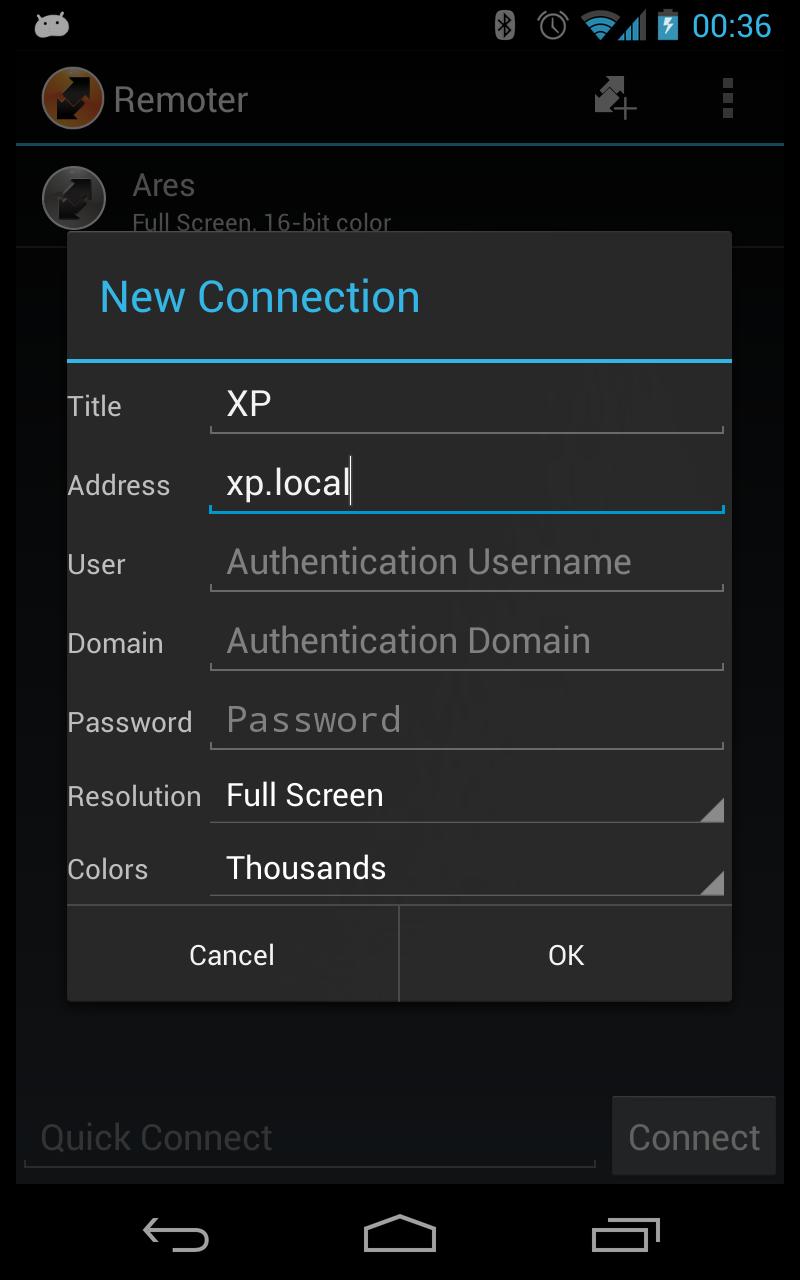
Type a host name and connect: Remoter works out whether the computer speaks RDP or VNC.
On-screen PC keyboard emulation, including Ctrl, Alt, function and navigation keys.
Works naturally with USB or Bluetooth mice and keyboards.
Keep several sessions open at once and switch between them.
Two-way clipboard between your device and the remote PC.
RDP graphics pipeline with H.264 video for smooth video and scrolling.
Hear the remote PC’s audio through your device’s speakers or headphones (RDP).
Keep a session in a small floating window while you use other apps.
Launch straight into a saved connection from a home screen shortcut.
Opens rdp:// links from browsers and other apps.